 See what students from United States are saying
SheCodes AI Pro


- Plan and build larger AI-assisted projects
- Use AI to structure, debug, and polish your code
- Create stronger user experiences with guided AI workflows
- Build a complete portfolio-ready AI project
📦 Included in this package
🛠 Skills you'll gain
 Vibe Coding
 Prompting AI
 UI Design
 Responsive
 SEO
SEO
 Claude Code
 GitHub
 Dev Workflow
 User Experience
 Databases
 Authentication
 Hosting
 AI Integration
 Payments
 Advanced SEO
 Transactional Emails
 Security
 Product Launch

Matt Delac


How it works
Location
100% Online
All you need is your Laptop/PC and good internet connection
Schedule
Self-paced
Plan your learning for each week and go at your own pace
Duration
4 Months
(5 hours of work per week)
or 2 Months
(15-20 hours of work per week)
Our mission
SheCodes is here to help
Women hold just 25% of all coding jobs and earn 30% less than men.SheCodes aims to bridge this gap by teaching relevant skills for today’s job market.
Take the first step to your dream career in tech.
250,000+ women highly recommend SheCodes


Employees from these organizations also joined SheCodes Workshops


🤔 Why choose SheCodes
Our unique learning methodology gives you exactly what you need. Learn at your own pace but never lose motivation.
📹 Complete engaging lessons
Learn from bite-sized lesson videos and get your hands dirty from the start with fun practical challenges.
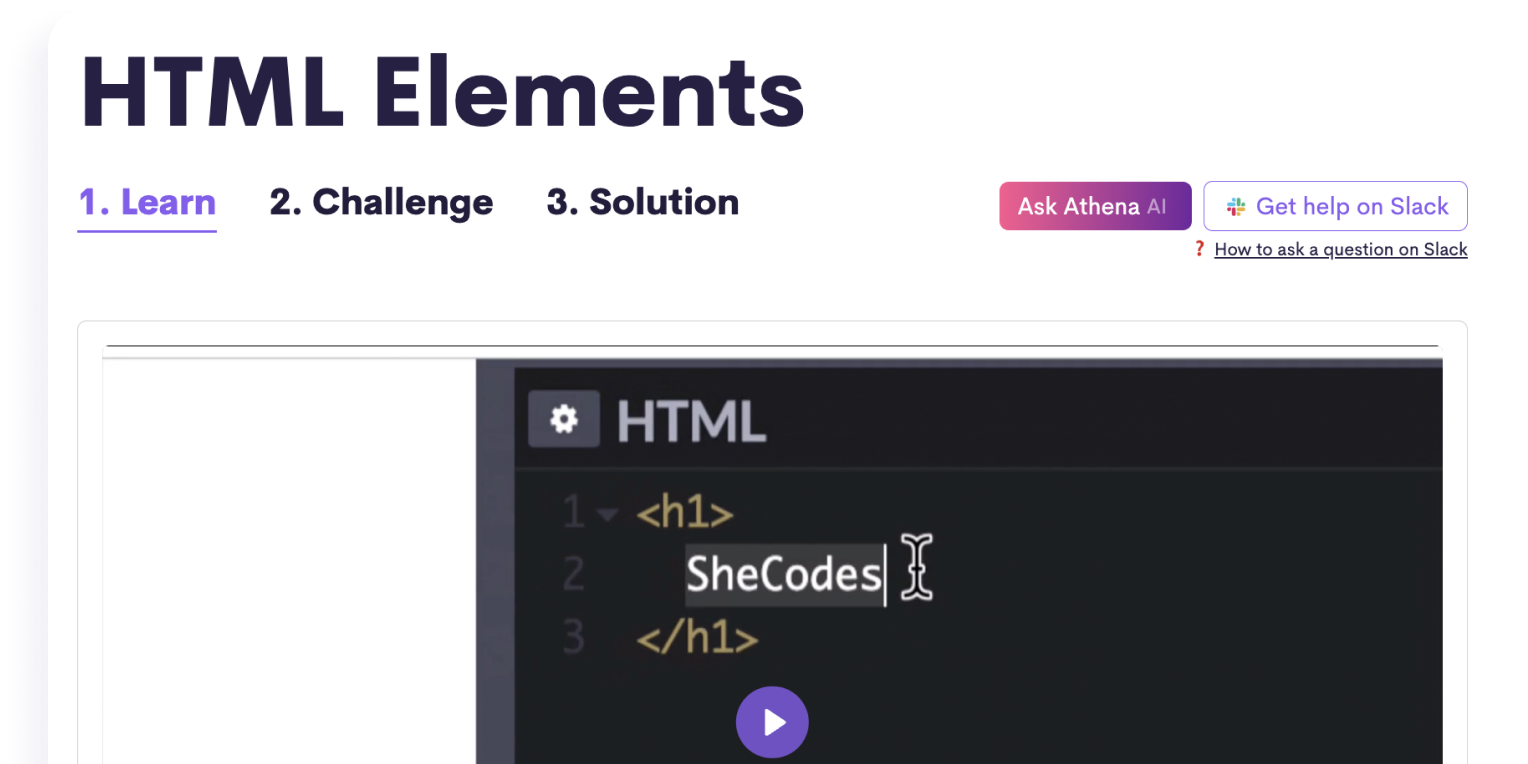
⚙️ Get technical assistance
Get help and have your homework reviewed by professional developers, or ask our AI Coding Assistant for instant replies.

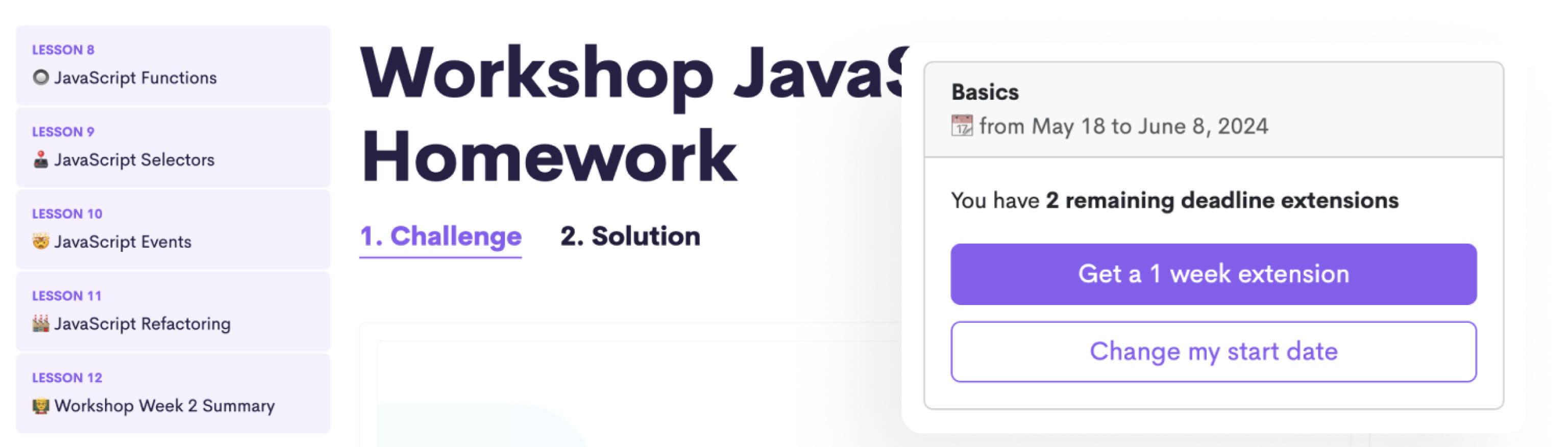
Stay motivated with weekly deadlines
Follow a structured schedule with weekly deadlines and complete homework at the end of each week to sum up what you learned.
..but enjoy a flexible schedule
Extend your weekly deadlines whenever needed without losing your progress.
🙋♀️ Learn with a vibrant community of women
Online courses don’t have to be lonely. You'll gain acess to a global community of 250,000+ ambitious women.

Learn coding with guaranteed success
SheCodes ranks higher than any other traditional online school like Udemy and Coursera.
📺 Quick 5-minute tour
With your instructor Matt Delac
💻 Build real-life projects

AI Landing Page

Dynamic Website

Professional Web App
🎓 Get 3 Certificates
Receive a verified certificate at the end of each coding workshop.
Share it in the Certifications section of your LinkedIn profile and add it to your resume or CV.
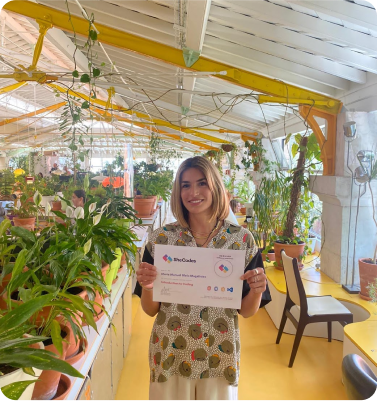

"Introduction to AI Coding" Certificate

"Advanced AI Coding" Certificate

"Professional AI Coding" Certificate
Shareable on







📚 Workshop Curriculum
🎒 Lessons & challenges
- 01 AI Basics Week 1 Overview
- 02 AI Basics / What is Vibe Coding?
- 03 AI Basics / Your First Landing Page
- 04 AI Basics / How to talk to AI
- 05 AI Basics / User Interface 101
- 06 AI Basics / SheCodes Books
- 07 AI Basics / Colors
- 08 AI Basics / Typography & Icons
- 09 AI Basics / Make Your Website Look Pretty
- 10 AI Basics / The importance of screenshots
- 11 AI Basics / Responsive Development
- 12 AI Basics / AI Coding Workflow
- 13 AI Basics Week 1 Summary
👩💻 Homework
🎒 Lessons & challenges
- 01 AI Basics Week 2 Overview
- 02 AI Basics / How Websites Work
- 03 AI Basics / Multiple Page Website
- 04 AI Basics / Debugging with AI
- 05 AI Basics / UX and Animations
- 06 AI Basics / SEO Basics
- 07 AI Basics / Social Sharing Basics
- 08 AI Basics / Static Forms
- 09 AI Basics Week 2 Summary
👩💻 Homework
🎒 Lessons & challenges
- 01 AI Basics Week 3 Overview
- 02 AI Basics / Project Setup
- 03 AI Basics / Homepage optimization
- 04 AI Basics / Multiple Pages
- 05 AI Basics / Content Population & Final Touches
- 06 AI Basics / Adding Analytics
- 07 AI Basics / Pre-Launch Checklist
- 08 AI Basics / What’s next
- 09 AI Basics Week 3 Summary
🚀 Final project
🎒 Lessons & challenges
- 01 AI Plus Week 1 Overview
- 02 AI Plus / What is Claude Code?
- 03 AI Plus / Environment Setup
- 04 AI Plus / Project Creation
- 05 AI Plus / Run your local server
- 06 AI Plus / Git and GitHub
- 07 AI Plus / Deployment Setup
- 08 AI Plus / The Development Workflow
- 09 AI Plus / Debugging with Claude Code
- 10 AI Plus Week 1 Summary
👩💻 Homework
🎒 Lessons & challenges
- 01 AI Plus Week 2 Overview
- 02 AI Plus / Design System Setup
- 03 AI Plus / Building Pages with Claude Code
- 04 AI Plus / Adding Navigation
- 05 AI Plus / Content, Images, and Copy
- 06 AI Plus / Forms and User Input
- 07 AI Plus / Animations and Polis
- 08 AI Plus / Accessibility
- 09 AI Plus / Dark mode
- 10 AI Plus Week 2 Summary
👩💻 Homework
🎒 Lessons & challenges
- 01 AI Plus Week 3 Overview
- 02 AI Plus / Why Databases Matter
- 03 AI Plus / Schema Design
- 04 AI Plus / SQL and CRUD
- 05 AI Plus / MCP vs API vs CLI
- 06 AI Plus / Connecting Your App to Supabase
- 07 AI Plus / Admin Interface
- 08 AI Plus / Search and Filtering
- 09 AI Plus Week 3 Summary
👩💻 Homework
🎒 Lessons & challenges
- 01 AI Plus Week 4 Overview
- 02 AI Plus / Authentication Concept
- 03 AI Plus / Setting Up Google Login
- 04 AI Plus / Roles and Protected Routes
- 05 AI Plus / User Profiles
- 06 AI Plus / User-Features
- 07 AI Plus Week 4 Summary
👩💻 Homework
🎒 Lessons & challenges
- 01 AI Plus Week 5 Overview
- 02 AI Plus / SEO Essentials
- 03 AI Plus / UI & UX Polish
- 04 AI Plus / Performance and Speed
- 05 AI Plus / Analytics
- 06 AI Plus / Pre-Launch and Deployment
- 07 AI Plus Week 5 Summary
🚀 Final project
🎒 Lessons & challenges
- 01 AI Pro Week 1 Overview
- 02 AI Pro / AI Integration
- 03 AI Pro / Building an AI Chat Feature
- 04 AI Pro / Advanced AI Features
- 05 AI Pro / Rate Limiting
- 06 AI Pro Week 1 Summary
👩💻 Homework
🎒 Lessons & challenges
- 01 AI Pro Week 2 Overview
- 02 AI Pro / Introduction to Stripe
- 03 AI Pro / One-Time Payments
- 04 AI Pro / Feature Gating and Pricing Page
- 05 AI Pro / Subscriptions
- 06 AI Pro / Legal Pages
- 07 AI Pro Week 2 Summary
👩💻 Homework
🎒 Lessons & challenges
- 01 AI Pro Week 3 Overview
- 02 AI Pro / Auto-Generated Landing Pages
- 03 AI Pro / Dynamic Sitemaps and Search Console
- 04 AI Pro / Embeds and Third-Party Content
- 05 AI Pro / Social Sharing
- 06 AI Pro / Content Strategy
- 07 AI Pro Week 3 Summary
👩💻 Homework
🎒 Lessons & challenges
- 01 AI Pro Week 4 Overview
- 02 AI Pro / Custom Domains
- 03 AI Pro / Sending emails
- 04 AI Pro / User Feedback
- 05 AI Pro / Customer development
- 06 AI Pro / Launch and What’s Next
- 07 AI Pro Week 4 Summary
👩💻 Homework
🎒 Lessons & challenges
- 01 AI Pro Week 5 Overview
- 02 AI Pro / Input Validation
- 03 AI Pro / Continuous Integration
- 04 AI Pro / Code Maintenance
- 05 AI Pro / Error Handling
- 06 AI Pro / Uptime Monitoring
- 07 AI Pro / Learn to code
- 08 AI Pro Week 5 Summary
🚀 Final project
📦 What's included
We provide everything you need to succeed.


3 Verified Certificates
See samples18 Technologies Learned
See technologies included
Vibe Coding
Prompting AI
UI Design
Responsive
SEO
Claude Code
GitHub
Dev Workflow
User Experience
Databases
Authentication
Hosting
AI Integration
Payments
Advanced SEO
Transactional Emails
Security
Product Launch
3 Final Projects
Lifetime Access
Weekly Deadlines
Live Technical Assistance
by professional developersHomework Review
AI Coding Assistant
Priority Support
Not sure if this is for you?
Browse all of our workshops and compare them.
Everything AI included

252,305 women already enrolled
Enroll TodayStarts Oct 7 Enroll Next Week
Starts Oct 12
You can change your enrollment date anytime.
Apply for a discount